
A hosted editing
environment. Collaborate from anywhere.
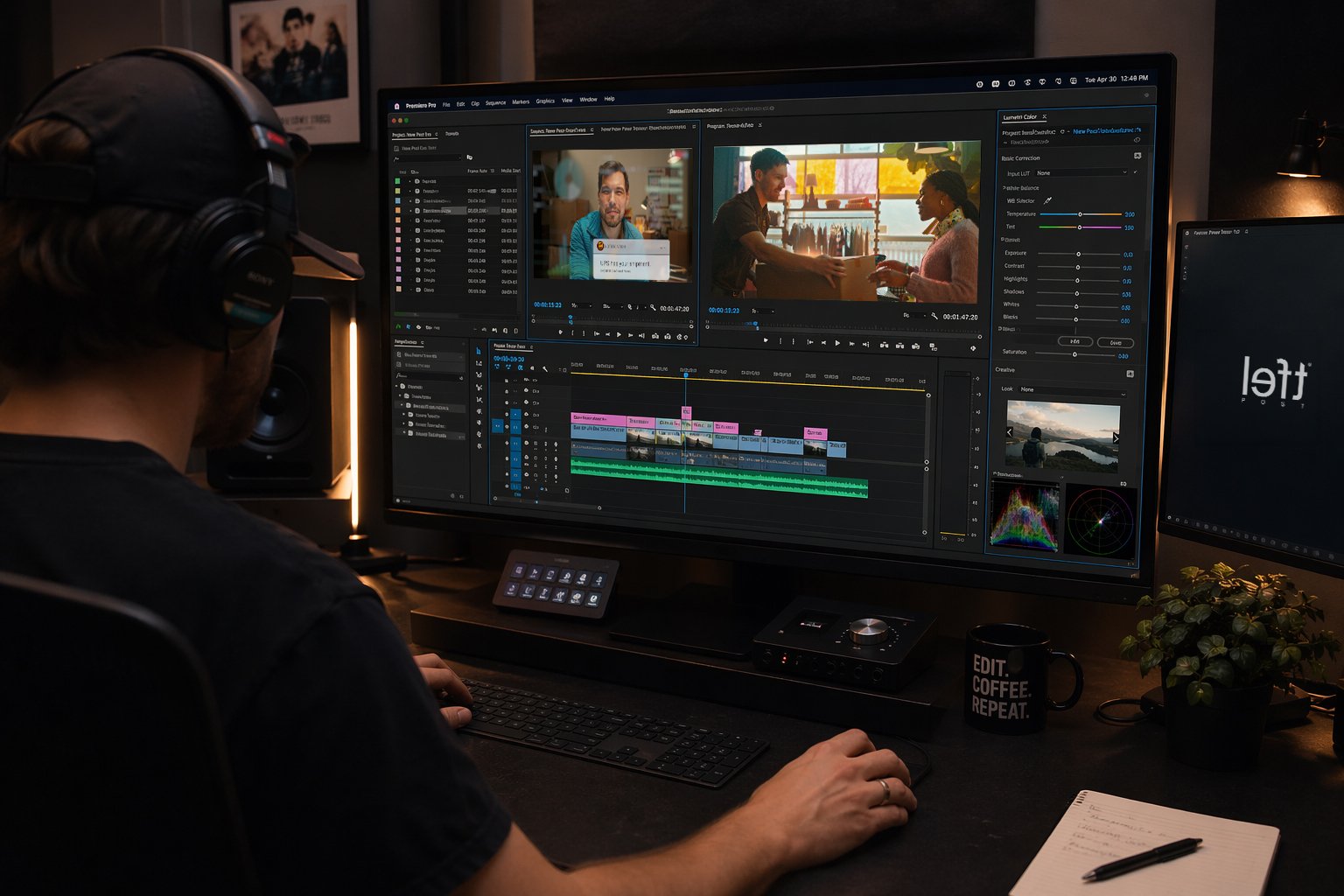
PostCore is a hosted editing environment inside Left's facility. Your editor works remotely. The media never moves. When it's time for grade or finishing, there's nothing to migrate — it's already here.
No duplicate drives. No unsecured transfers. Just log in and edit.
“The edit is already inside Left’s infrastructure. When it’s time for grade or VFX, there’s no migration, no relinking, no downtime. Just hand it across the hall.”
Three layers. No complexity.
Each PostCore environment is the same simple stack: a workstation, shared storage, and controlled access.
Hosted Mac
Apple Silicon workstation in our facility. Premiere Pro, DaVinci Resolve, After Effects, Pro Tools — already loaded. No local installs, no version conflicts, no setup.
Shared Storage
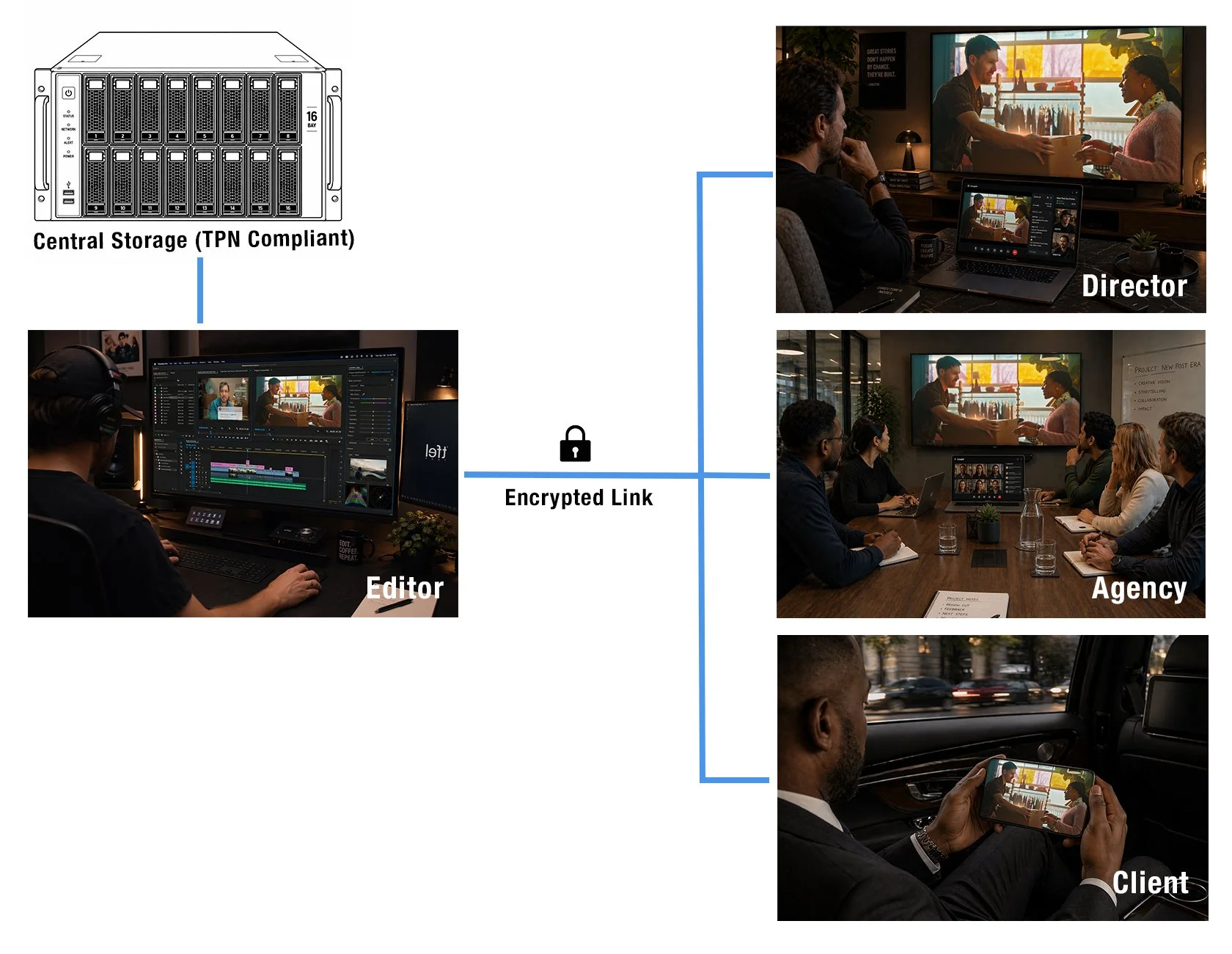
All workstations connect to the same central pool over 10GbE. One project, one location. Multiple editors, zero duplication. The same source media your colourist and Flame artist will work from.
Secure Access
Encrypted remote sessions with MFA. Per-user permissions. Full audit logging. Instant revocation when the project wraps. No media on personal devices.
Built for real workflows
PostCore works best when offline is the first step in a pipeline that includes grade, VFX, or finishing at Left. The closer the edit is to the end of the chain, the more PostCore compounds in value.
-
Offline straight to finishing
Pipeline
The edit lives inside Left's infrastructure from day one. Grade, Flame, and delivery access the same media — no migration, no relinking, no delay between offline and online.
-
Multiple editors, one campaign
Collaboration
Three editors cutting different spots from the same shoot. One storage pool, one source of truth. No duplicate drives, no relinking sessions, no version confusion across the team.
-
Director overseas, editor here
Collaboration
Both connect to the same session. The director reviews inside the edit, not from a compressed export sent overnight. Real-time collaboration without re-uploads.
-
Security-sensitive deliveries
Security
TPN-aligned protocols. Audited access, project isolation, no media on personal devices. For productions where the client's IP compliance requirements are non-negotiable.
-
Freelancer joining mid-project
Pipeline
Provision access in hours. The editor steps into the existing environment — no media transfer, no risky handoffs. Revoke when they're done. The project stays intact.
Why PostCore?
Modern productions are no longer tied to a single room.
PostCore is designed for teams that want to simplify projects, reduce handovers, and keep all media in one secure place while allowing editors to work remotely.
One source of truth for all media
Stream Multi-user live sessions for directors, producers, and creatives
No shipping drives or syncing folders
No re-uploading projects between people
No compromise on security
Media stays where it belongs
PostCore is designed around a single principle: the media never leaves the facility. Every other security property follows from that.
Encrypted sessions
End-to-end encryption on all remote connections. MFA required. No storage exposed to the public internet.
Project isolation
Each production is contained. Editors see only their assigned project. No shared folders, no cross-contamination.
Audited access
Full logging. Who accessed what, when. Instant revocation when projects wrap.
Priced by pipeline depth
/editor / day
Single editor, remote access to hosted Mac. No shared storage. Suited to standalone offline with no finishing at Left
1x hosted Mac (Apple Silicon)
Standard app suite
Encrypted remote session
Shared storage pool
Multi-user collaboration
Finishing pipeline integration
Min 3 days/editor / day
Shared storage, multi-editor access, direct handoff to Left's grade and finishing. The intended use case.
1–3 hosted Macs
Shared 10GbE storage pool
Multi-editor, one project
Direct finishing handoff
Live client review sessions
TPN compliance documentation
Min 5 days · storage allocated per-project/editor / day
Full campaign infrastructure. Multiple editors, dedicated storage allocation, TPN compliance, priority access, and finishing coordination included.
Up to 5 hosted workstations
Dedicated storage allocation
TPN compliance documentation
Priority finishing scheduling
Archival by arrangement
Account manager assigned
Min 5 days · quoted per projectWho we work with.
PostCore is designed for productions with a finishing pipeline — not standalone editing jobs. The more of your pipeline lives at Left, the more value PostCore creates.
PostCore is the right call when —
Your production includes grade, VFX, or finishing at Left Post
You have multiple editors working from the same source material
You need audited access control for IP-sensitive deliverables
Your project runs five days or longer
You want the edit and finishing team working from the same infrastructure
Ready to scope a project?
Tell us about your project. We'll scope the workstations, storage, and access you need.